Set Up an AI Receptionist in 5 Minutes (With a Photo)
Snap a photo, paste a URL, or drag in a PDF. Here's how to go from zero to a live AI receptionist in under 5 minutes — no typing required.
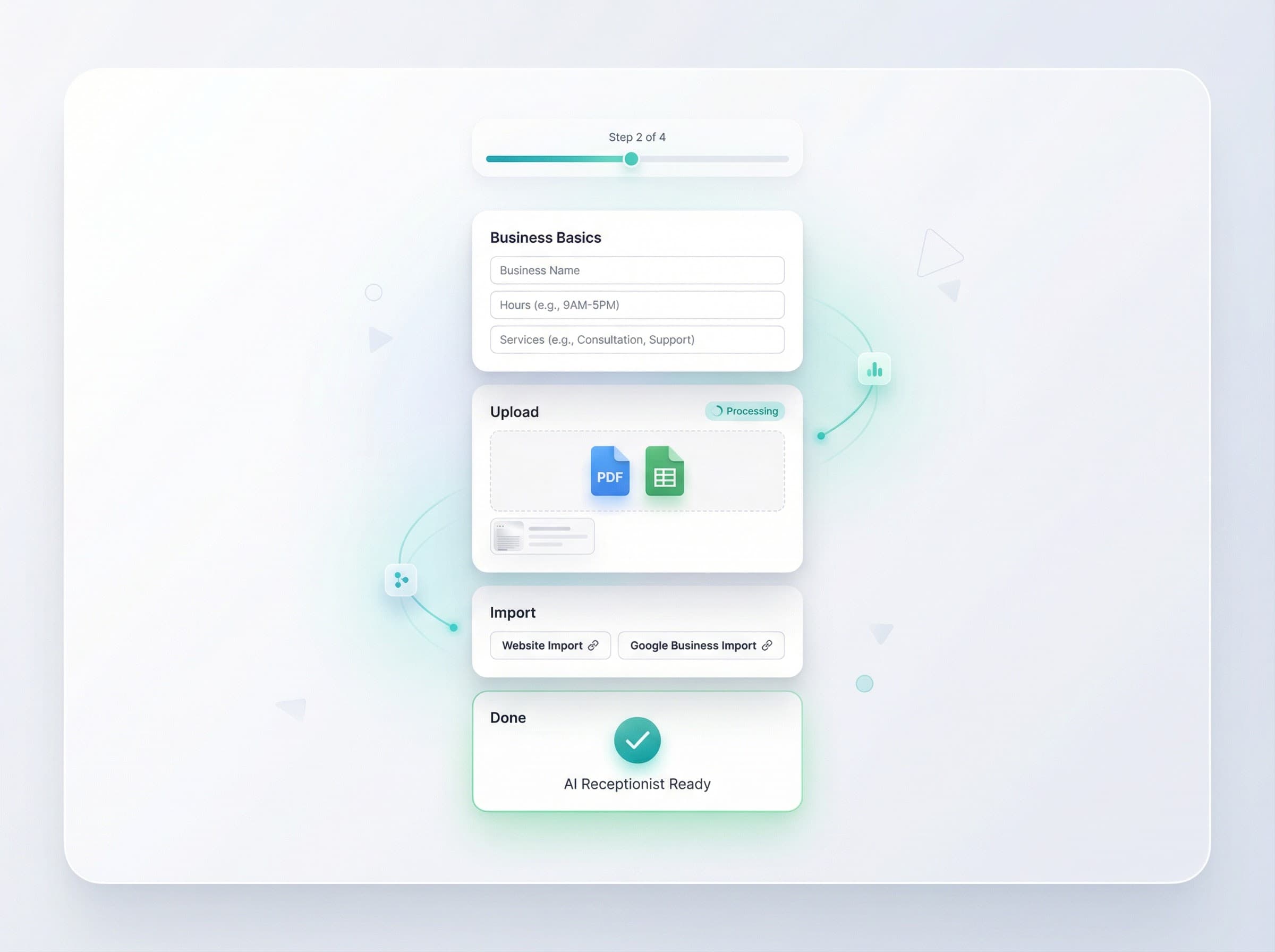
How to Set Up an AI Receptionist in 5 Minutes (With Just a Photo)
Most business owners assume setting up an AI receptionist means hours of configuration, typing out every service and price, and hiring someone technical to get it running.
It doesn't. With EnoDesk, you can go from zero to a working AI receptionist in under 5 minutes — and the fastest way is with a photo.
Step 1: Create Your Account (30 seconds)
Go to eno-ai.com/signup and create an account. You'll need your email and a password. Lite and Starter include a trial; a valid payment method may be required, but you are not charged until the trial ends.
Once you're in, the onboarding wizard walks you through everything.
Step 2: Tell EnoDesk About Your Business (2 minutes)
You have three options here — pick whichever is fastest:
Option A: Import from Google Business Profile (fastest)
If your business is on Google, click "Import from Google" and EnoDesk pulls your business name, address, hours, services, and contact info automatically. One click, done.
Option B: Paste your website URL
Enter your website URL and EnoDesk reads your site — pulling out services, pricing, hours, staff, and FAQs. This works with any business website.
Option C: Enter details manually
Fill in your business name, type, hours, and a few basic details. This takes about 2 minutes. You can always add more later.
Step 3: Upload Your Menu, Price List, or Service Board (1 minute)
This is where it gets interesting. On the Business plan, you can use Smart Upload to teach your AI receptionist everything about your business:
- Snap a photo of your menu, price board, or service list
- Drag in a PDF of your price sheet or catalog
- Upload a spreadsheet with your full service and pricing data
- Drop in a Word doc with your FAQs or staff list
EnoDesk reads the file and extracts your services, prices, categories, add-ons, staff names, hours, and common questions. Your AI receptionist can then answer caller questions about all of it.
What gets extracted:
| Upload Type | What EnoDesk Finds | |-------------|-------------------| | Restaurant menu photo | Items, prices, categories, sizes, add-ons, allergy notes | | Salon price board | Services, prices, duration, stylist names | | HVAC rate card PDF | Service types, pricing tiers, emergency rates | | Staff contact sheet | Names, roles, phone numbers, availability |
Step 4: Pick Your Voice (30 seconds)
Choose from 8 natural AI voices that match your brand. Preview each one and pick the one that sounds right for your business. On the Business plan ($299/month), you can clone your own voice for a truly personal touch.
Step 5: Make a Test Call (1 minute)
EnoDesk gives you a dedicated phone number. Call it and talk to your AI receptionist. Ask it about your services, try booking an appointment, ask about your hours. This is where you hear it in action and can fine-tune anything.
Step 6: Go Live
Once you're happy with how it sounds, forward your existing business phone number to your EnoDesk number. That's it — your AI receptionist is now answering calls 24/7.
You don't need to change your business phone number. Just set up call forwarding with your phone provider and you're live.
What Happens After Setup
From your EnoDesk dashboard, you can:
- View call transcripts and AI summaries for every call
- Listen to audio recordings of conversations
- See your contact list with automatic caller recognition
- Check analytics for call volume, reasons, and trends
- Adjust your greeting, hours, and FAQ answers anytime
Frequently Asked Questions
Do I need technical skills to set up EnoDesk?
No. The onboarding wizard guides you through every step. If you can take a photo or paste a URL, you can set up EnoDesk. No coding, no IT department, no hardware.
What if I don't have a photo of my menu?
No problem. You can enter your services and prices manually, paste your website URL for automatic import, or upload any document you already have (PDF, Word, Excel). The photo upload is just the fastest option for businesses that have a physical menu or price board.
Can I change my AI receptionist's knowledge later?
Yes. You can update your services, prices, hours, FAQs, and greeting anytime from your dashboard. Upload a new file and EnoDesk replaces the old information with the updated version.
How much does EnoDesk cost?
EnoDesk has 4 plans: Lite at $29.99/month, Starter at $49.99/month, Pro at $149.99/month, and Business at $299.99/month. All plans include Google Calendar appointment booking. Smart Upload (photo and document learning) is available on the Business plan. Lite and Starter include a 7-day free trial.
Can I keep my existing phone number?
Yes. You don't change your business phone number. You simply set up call forwarding from your existing number to your EnoDesk number. Callers still dial your regular number — EnoDesk answers it.
Ready to try it? Start your free trial →